How it works
From resume to filled form, in five steps.
About five minutes to set up. After that it searches while you study, and it never sends anything without you.
What you need
- Google Chrome on a laptop or desktop
- Your resume (PDF or Word)
- Optional: a free Gemini key from Google AI Studio, for the AI parts. It takes about two minutes. Step-by-step guide
Search, sponsor records and form filling work without a key. Only resume reading and “Write it for me” need it.
The five steps
-
01
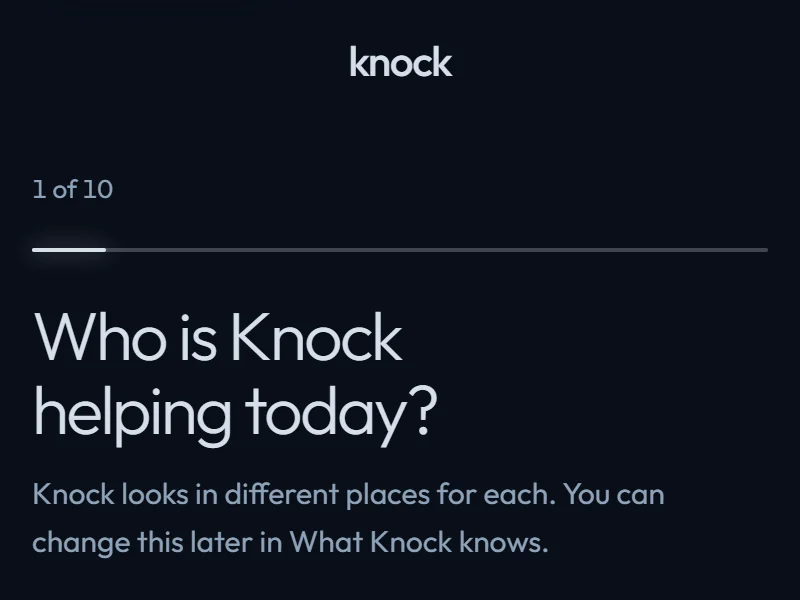
Tell Knock your situation
Pick where you are: an international student in the USA, or job hunting in the UK, Canada, Germany, the Netherlands or Ireland. You do this once, and you can change it any time.
-
02
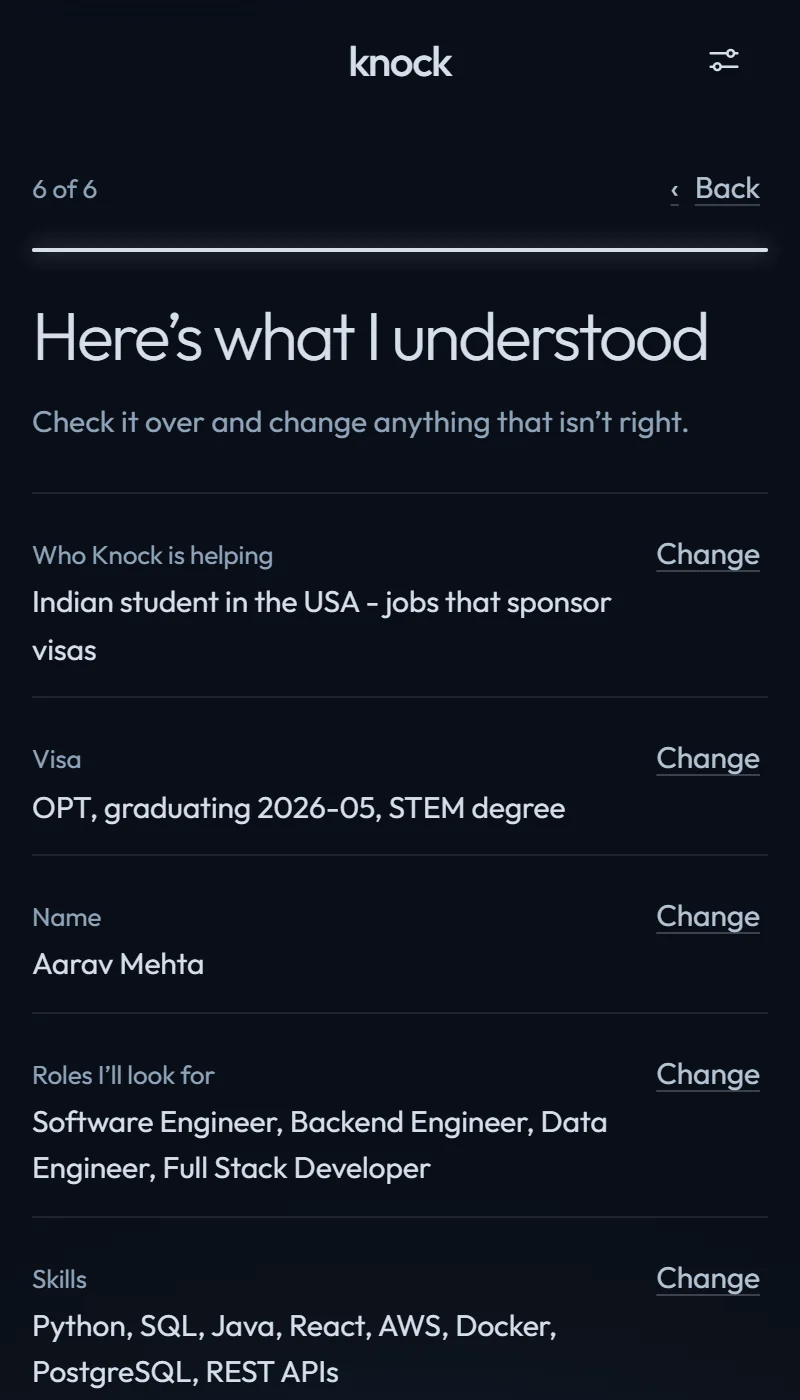
Check what it understood
Add your resume. Knock shows what it read: your roles, skills and years of experience, plus nearby roles you could also go for. Change anything in a tap. Nothing is used until you’ve checked it.
It never adds a skill you don’t have.
-
03
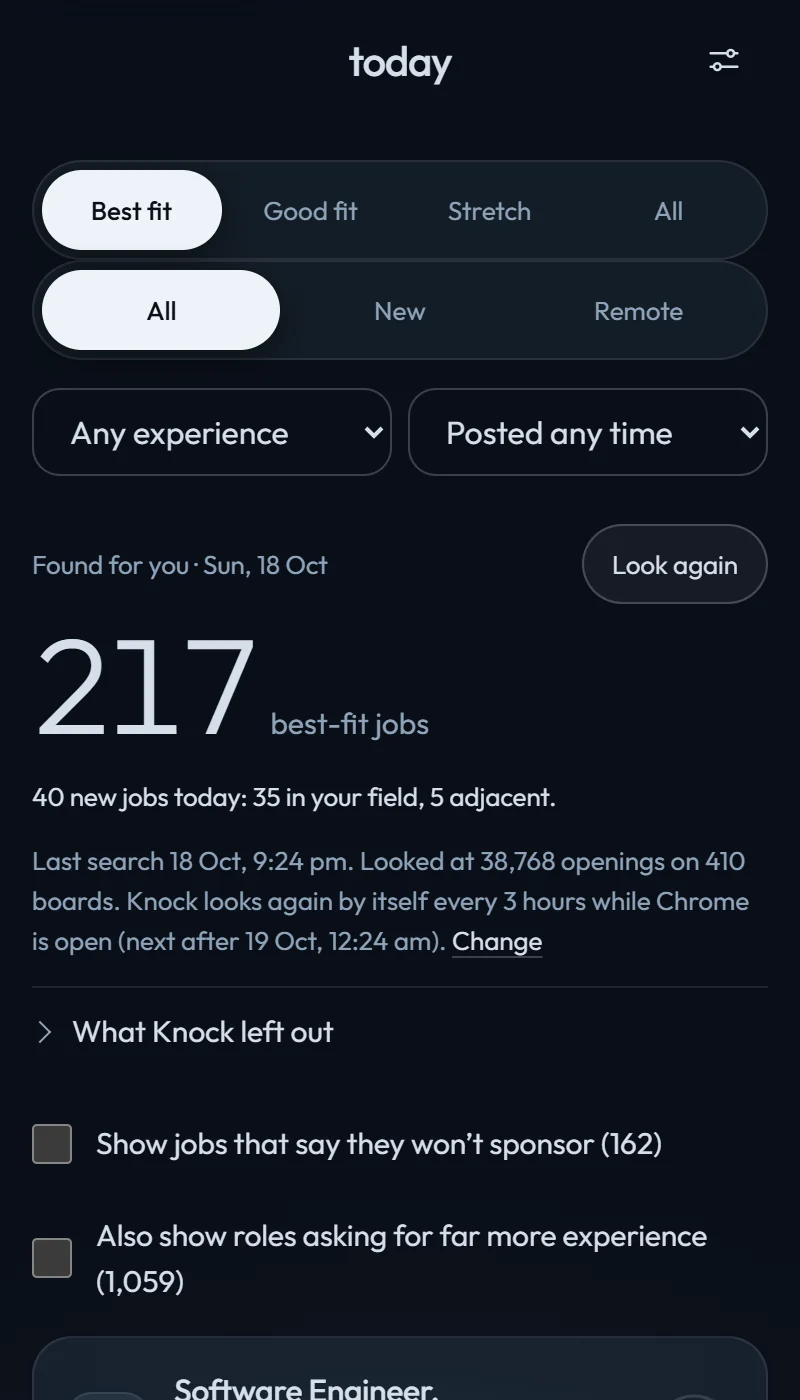
See real doors first
Every few hours it reads about 500 company job boards and keeps the roles related to your resume. They’re sorted into Best fit, Good fit and Stretch by the experience each job asks for compared with yours. Filter by experience (early career, 1–3, 3–5, 5+ years) or by posting date. Jobs that say they won’t sponsor stay hidden.
Real postings, for an example profile: MS Computer Science, one year of experience.
-
04
Check the sponsor record
Each job shows what official data says about the employer, and how the experience ask compares with yours. You know before you spend an evening on the form.
No badge means we don’t know, not that they won’t sponsor. A record shows who sponsored before, not who will hire you.

-
05
Open it filled. You press Submit.
On Greenhouse, Lever and Ashby forms, Knock fills your details and remembers answers from earlier forms. For open questions, “Write it for me” drafts an answer from your own resume using your free Gemini key, and every line is checked against your resume. Questions only you can answer are highlighted. Read it, change anything, then press Submit yourself.

Then keep going, calmly.
Application tracker Available now
Every application in one list, so you’re not running a spreadsheet.
Your next step Available now
One card that says what to do next, instead of 400 open tabs.
A weekly plan Available now
You choose a target for the week, sized to the time you have.
Four things it will never do.
- Press Submit for you
- Invent a skill, an employer or a number
- Read or automate LinkedIn
- Send your resume to a Knock server (there isn’t one)